
Resources
Lag, Ping and Connection Fixes
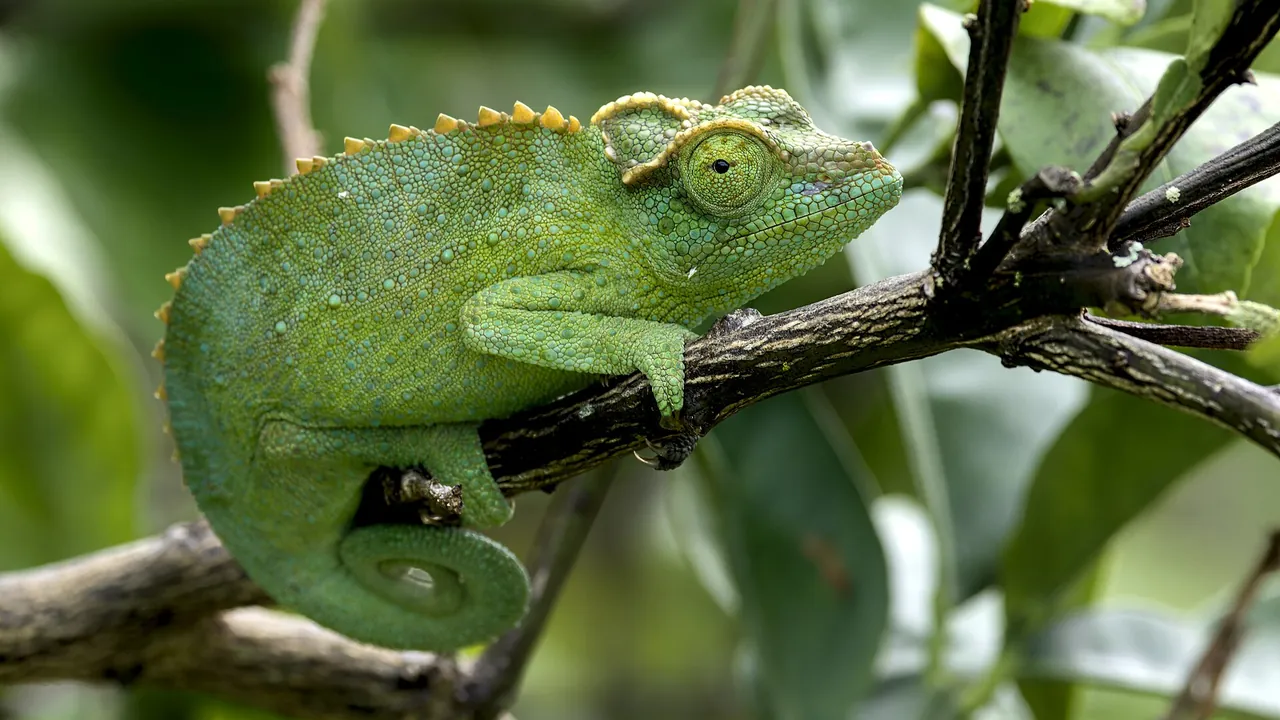
A step-by-step route from stuttering matches to a stable multiplayer connection.
Introduction
Lag is uniquely cruel in a hiding game. A stutter at the wrong second can slide your character out of a perfect blend, and a dropped connection erases a round you were winning. This guide gives a calm, ordered method for fixing connection problems for players on the Meccha Chameleon official guides route, from quick checks to deeper network changes.
Work through the steps in order. Most players fix their problem in the first three, and skipping ahead wastes the information each step reveals about where the fault actually lives. The method works for Meccha Chameleon on any Android phone and any home network, because it follows the fault instead of guessing at it.
First, Identify the Type of Lag
Not all lag is the same. Input lag delays your actions, network lag delays what others see, and frame stutter is your phone struggling to render. Each has a different cure, so spend one match diagnosing: if your character responds instantly but other players teleport, suspect the network. If everything, including menus, feels heavy, suspect the device.
The distinction matters because the wrong fix wastes an evening. Device problems are covered by the performance advice in the system requirements guide, while the rest of this page focuses on the connection itself.
Quick Fixes That Solve Most Cases
Move closer to your router or switch to a clear line of sight; Wi-Fi through two walls loses more matches than any server. Restart the router if it has been running for weeks, close every other app using the connection, and pause downloads and cloud backups on other devices in the home.
If your router offers a 5 GHz network, use it for gaming: it is faster and less crowded than 2.4 GHz in most homes, though its range is shorter. On mobile data, a stable 4G signal outdoors or near a window often beats a weak Wi-Fi connection.
Reading In-Game Symptoms
Rubber-banding, where your character snaps back to an earlier position, points to packet loss. Freezes followed by fast-forward motion point to an unstable but fast connection. Consistently high delay on every action points to distance or a congested route.
Watch whether problems follow a schedule. Lag that arrives every evening usually means household or neighbourhood congestion, and playing on a wired-down alternative, such as mobile data, can bypass it entirely. The update advice in the update guide also matters here: an outdated build can add its own connection quirks.
When the Problem Is Not Yours
Sometimes every player in a match stutters at once. That is the session or server, not your setup, and the correct fix is to finish the match, rejoin, and check whether the problem follows you. If it does not, change nothing at home.
Keep notes for a few days before making big changes like a new router. A written pattern, times and symptoms, turns a frustrating mystery into a solvable fault and stops you buying equipment for a problem that was never in your house.
Frequently Asked Questions
Usually network lag or frame stutter interrupting your position. Diagnose which type you have first: teleporting opponents mean network trouble, while heavy menus and local stutter mean the device needs attention.
Whichever is more stable. A strong 5 GHz Wi-Fi connection near the router is ideal, but a steady 4G signal beats weak Wi-Fi through several walls. Test both in the same spot.
Lower is better, and stability matters more than the headline number. A steady 60 ms plays better than a connection swinging between 20 ms and 200 ms, because the swings are what cause rubber-banding. In Meccha Chameleon, where rounds are short, those swings are felt immediately.
Conclusion
Connection fixes reward method over luck. Identify the type of lag, apply the quick fixes in order, read the symptoms your matches give you, and only then consider bigger changes.
A stable connection will not hide you better, but it guarantees that when you are caught, it was the seeker who earned it, not your router. For Meccha Chameleon, where a single stutter can end a round, that stability is worth more than any graphics setting.
Related Guides

Meccha Chameleon Solo Practice Guide: Train Before You Compete
Use solo practice in Meccha Chameleon to learn maps, test hiding spots and build patience before multiplayer matches. A complete Android training guide.
Best Hiding Spots in Meccha Chameleon and How to Pick Them
What makes a hiding spot great in Meccha Chameleon? Learn the five qualities of a reliable spot, how to read a room, and when to abandon a position.

Meccha Chameleon Seeker Guide: How to Spot Hidden Players
Playing the seeker in Meccha Chameleon? Learn systematic room sweeps, outline reading and endgame hunting techniques that find hidden players reliably.