
Resources
Controls and Settings Guide
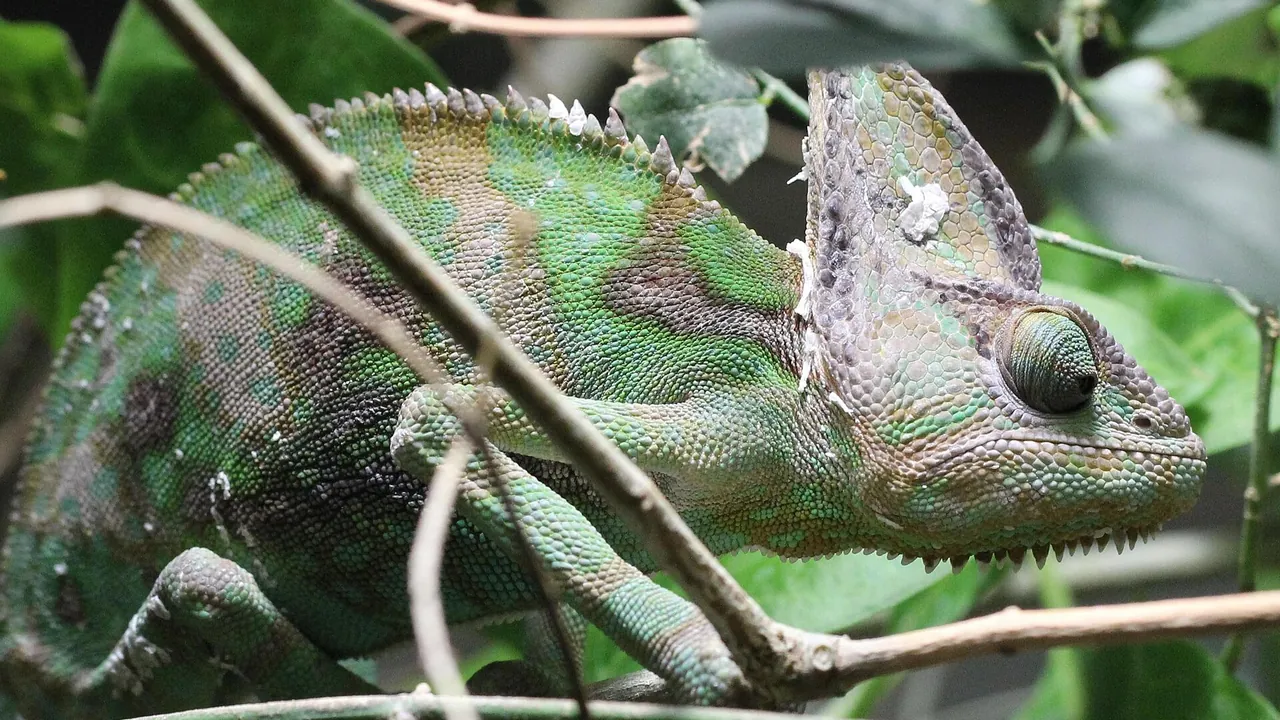
Sensitivity, camera control and display settings that make precise hiding easier.
Introduction
Precise hiding is a controls problem. The half-step that fixes a blend, the slow camera pan that reads a room, the frozen stillness that must not slip: all of them depend on how your controls are tuned. This guide walks through the settings that matter for players using the Meccha Chameleon download on Android phones of every size.
There is no single correct setup, but there are wrong ones: sensitivity so high that fine positioning becomes luck, and layouts that put key actions where your thumbs cannot reach them calmly. The settings discussed here are the ones Meccha Chameleon players ask about most, because they shape every match rather than a single feature.
Camera Sensitivity for Slow Reading
Seeking and hiding both reward slow camera work. If your view whips past details, lower sensitivity until a full swipe turns you around in a controlled arc rather than a spin. You should be able to pan across a doorway at reading speed without the view juddering.
Fine movement matters just as much. Setting a slightly lower sensitivity than you use in shooters gives you the small, exact steps that the gameplay guide assumes when it talks about adjusting position by half a step.
Touch Layout and Calm Reach
Arrange controls so your most-used actions sit where your thumbs rest naturally. A layout that forces stretching invites accidental inputs, and one accidental jump in a hiding spot ends a round. Move rarely used buttons away from the movement area entirely.
On larger phones, shrink the control zone rather than stretching your grip. Comfort is a stealth stat: a relaxed hand holds still, and stillness is the whole game.
Display Settings That Help You See
Raise brightness enough to read shadowed corners, because hiders live in them and seekers must audit them. If your device offers a vivid or saturated display mode, test it: stronger colour separation makes brightness mismatches, the main camouflage failure, easier to judge.
Performance matters too. A steady frame rate keeps camera pans smooth, and smooth pans are how you notice the one frame where an outline is wrong. If your phone struggles, the fixes in the common errors and fixes guide are the right starting point.
Building Muscle Memory
Change one setting at a time and play several rounds before judging it. Constant re-tuning prevents the muscle memory that makes controls disappear, and controls you must think about steal attention from the room you should be reading.
Once a setup feels invisible, stop. The best settings are the ones you never notice during a match.
It also helps to test a new setup in a solo session before trusting it in a live match. Ten quiet minutes of movement and camera work will tell you whether a sensitivity change is an improvement or a distraction, without a round riding on the answer.
Frequently Asked Questions
Lower than shooter settings. You want controlled arcs and half-step precision rather than fast turns. Reduce sensitivity until slow pans feel smooth and small movements stay exact.
Yes. Hiders use shadowed corners and seekers must audit them. Brightness high enough to read dark areas clearly improves both hiding judgement and seeking detection. That is true across Meccha Chameleon, because dark corners are where the game is decided.
Use it as a starting point only. Hand size and phone size change what is comfortable, and comfort decides how still you can hold. Adjust from any template until the controls feel invisible.
Conclusion
Settings are the quiet half of skill. A calm sensitivity, a reachable layout and a display you can read turn precise hiding from a struggle into a habit.
Tune one thing at a time, let muscle memory form, and then forget the menus exist. Your attention belongs on the room, not on your thumbs. With that done, Meccha Chameleon becomes a game about rooms and opponents again, which is where your attention was always supposed to be.
Related Guides

Meccha Chameleon Solo Practice Guide: Train Before You Compete
Use solo practice in Meccha Chameleon to learn maps, test hiding spots and build patience before multiplayer matches. A complete Android training guide.
Best Hiding Spots in Meccha Chameleon and How to Pick Them
What makes a hiding spot great in Meccha Chameleon? Learn the five qualities of a reliable spot, how to read a room, and when to abandon a position.
Meccha Chameleon Seeker Guide: How to Spot Hidden Players
Playing the seeker in Meccha Chameleon? Learn systematic room sweeps, outline reading and endgame hunting techniques that find hidden players reliably.